How To Integrate 3D Scanning Into Your Workflow
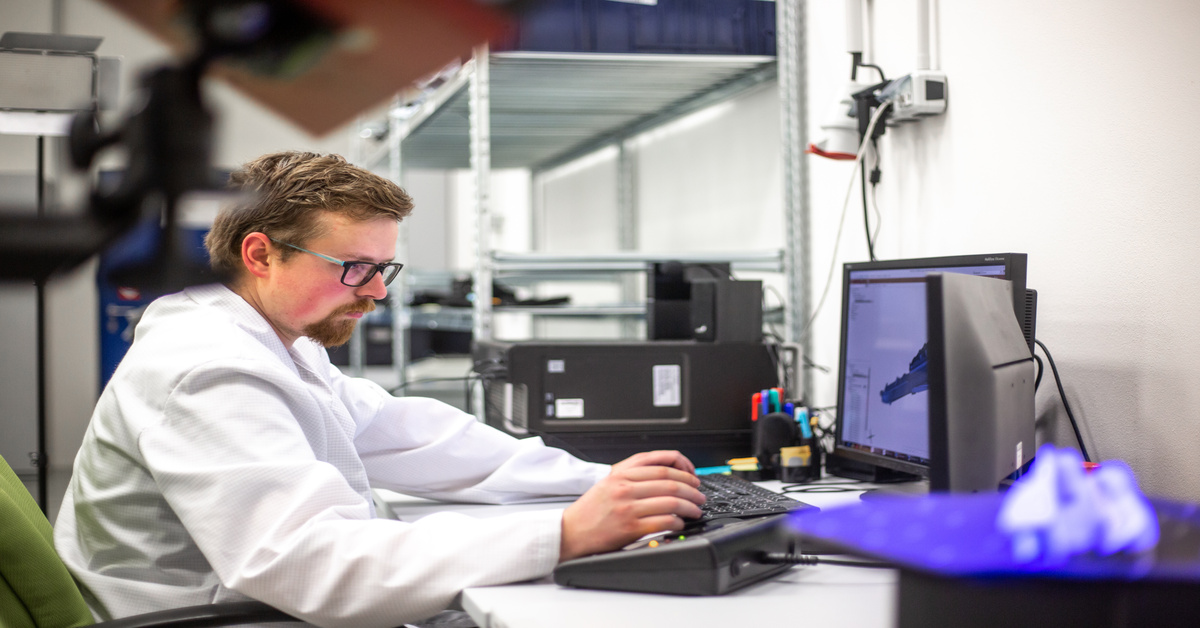
3D scanning is a relatively new technology that offers significant advantages to industries that decide to adopt it, ranging from manufacturing to architectural design. By digitizing physical objects into precise digital models, businesses can streamline reverse engineering, quality assurance, and product development.
However, successful implementation requires a strategic approach rather than a plug-and-play mentality to avoid operational bottlenecks. To ensure you get this right, here is how to effectively incorporate 3D scanning into your existing workflow.
Identify Your Workflow Needs
Begin by conducting a thorough audit of your current production line. Pinpoint specific bottlenecks where manual measurement or modeling slows down progress. For a design firm, the value might lie in rapid prototyping and iterating on clay models. For a manufacturer, it could be automating inspection reports to verify part tolerances against the original design. Clearly defining these goals—whether it is cutting production time by 20% or eliminating human error in measurements—will guide your hardware selection.
Choose the Right 3D Scanning Technology
Choosing the wrong device is one of the biggest mistakes you’ll want to avoid with 3D laser scanning, so it’s crucial to take the time to get this right. In most cases, hardware selection depends heavily on the scale and material of the objects you intend to scan. Stationary scanners usually provide superior resolution for small, intricate parts, whereas handheld units offer the mobility needed for automotive or architectural applications.
You must also decide between laser triangulation and structured light technologies based on your surface requirements. Furthermore, you should take the time to weigh the initial capital expenditure against the projected return on investment. Always verify that the scanner’s output matches the input requirements of your CAD software to prevent data conversion issues later.
Prepare Your Workspace and Team
Environmental factors significantly influence data integrity. Set up a dedicated scanning zone with uniform, non-direct lighting to minimize noise in the point cloud. You may also need to acquire scanning sprays for reflective or transparent surfaces, as these materials often refract laser light.
On the personnel side, invest in rigorous training. Staff should be proficient in operating scanners and in working with post-processing software. Establish strict protocols for naming files and storing massive data sets to ensure easy retrieval and version control.
Integrate with Existing Tools and Software
Data isolation renders scanning useless; integration is key. Ensure your 3D scanning software creates a direct pipeline to your engineering or design platforms, such as SolidWorks, AutoCAD, or Blender. This integration allows for immediate reverse engineering or deviation analysis.
To further integrate 3D scanning into your workflow, look for software plugins that automate mesh generation or feature extraction. If your team is remote, leveraging cloud-based platforms for hosting heavy scan data ensures that engineers and clients can collaborate on the model in real time without hardware constraints.