Data Center Cooling: A Quick Guide to Airflow
Data centers support network operations, cloud services, and digital business activities. Keeping servers cool and operational is a top priority, and achieving this requires far more than just lowering the thermostat.
Airflow management stands at the core of every effective cooling strategy, directly impacting performance, equipment longevity, and energy costs. In this quick guide to air flow in data center cooling, we will explore proven methods to maximize efficiency, ensure reliability, and avoid costly downtime.
Hot and Cold Aisle Best Practices
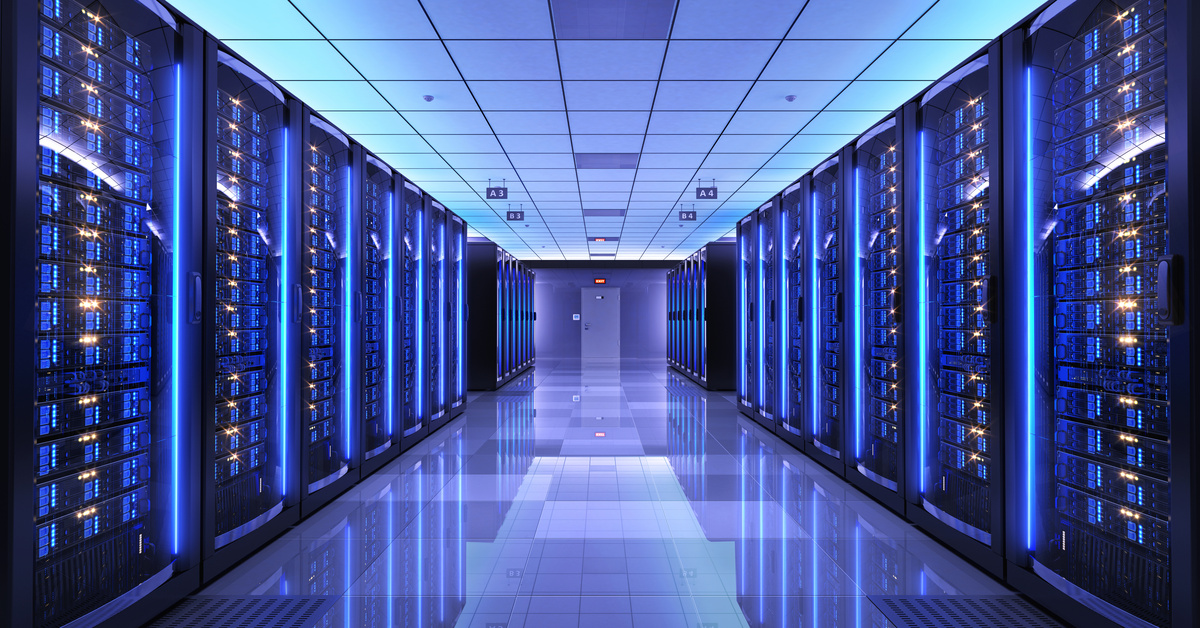
One highly effective airflow strategy involves hot and cold aisle containment. In this approach, server racks are arranged so cold air from air conditioning units flows directly into equipment intakes. The cold aisle concept positions rows of server fronts facing each other, creating paths where cool air travels directly to hardware. Exhaust fans send hot air into the “hot aisle,” with rack backs facing another row, keeping heat isolated from cool zones.
This setup offers distinct benefits. One is that it prevents hot and cool air from mixing, improving cooling capacity. It also directs cool air to critical intake points, stabilizing equipment temperatures. Lastly, it increases energy efficiency and reduces utility costs for the facility.
Facilities can add physical barriers for complete aisle containment or use partial containment with floor tiles and rack doors. Both options dramatically boost performance in high-density environments.
Cable Organization and Airflow
Proper cable management is essential for effective airflow and cooling in any data center. Tangled or poorly routed cables block air pathways, leading to uneven cooling and hot spots. Keeping cables neat and bundled allows airflow to move freely around equipment, while cold air reaches intake vents without obstruction. This organization lowers the risk of equipment overheating and makes ongoing maintenance safer and easier.
Good practices for enhancing airflow include the following:
- Using cable trays above or below racks to keep cords out of the airflow
- Securing excess cable lengths to avoid blocking vents or floor tiles
- Regularly auditing cable organization to check for new obstructions
High-density cable management is important in this process. As data centers support more devices and higher-capacity racks, the sheer volume of cables increases. High-density systems accommodate a greater number of cables without compromising airflow. They use vertical and horizontal managers, strategic bundling, and designated pathways to ensure cables remain orderly, contained, and out of critical airflow zones. This approach maintains optimal cooling performance, even as cabling needs grow.
Maximizing Cooling Efficiency
Building managers can optimize airflow and cooling efficiency through several practical measures. For example, planking panels in unused rack spaces prevent hot air recirculation, while perforated tiles in raised floors direct conditioned air precisely where needed. Temperature and humidity sensors enable real-time monitoring and cooling adjustments. Regular maintenance is essential, as accumulated dust and debris can obstruct airflow and reduce system performance.
With careful planning and best practices, data centers can achieve stable operations, less downtime, and measurable savings on energy costs. Follow the tips in this quick guide to airflow in data center cooling to maintain critical systems and get the most out of every cooling investment.